
Upload your screenshots to Flickr
There were several requests for integrating a flickr upload to GScrot in the last weeks.
Well, why should we reinvent the wheel when there already are pretty good solutions to do such a thing? An application I like very much is Postr by Ross Burton (http://burtonini.com/blog/computers/postr).
It is very easy to use and integrates well in the Gnome- or XFCE-Desktop. There are just a few steps to integrate postr into GScrot.
The following guidelines suggest you are using the latest version of GScrot and Ubuntu, but except the installation part it is similar when using an alternative distro.
- Installation of Postr using apt-get (of course you can use synaptic, aptitude etc. as well)
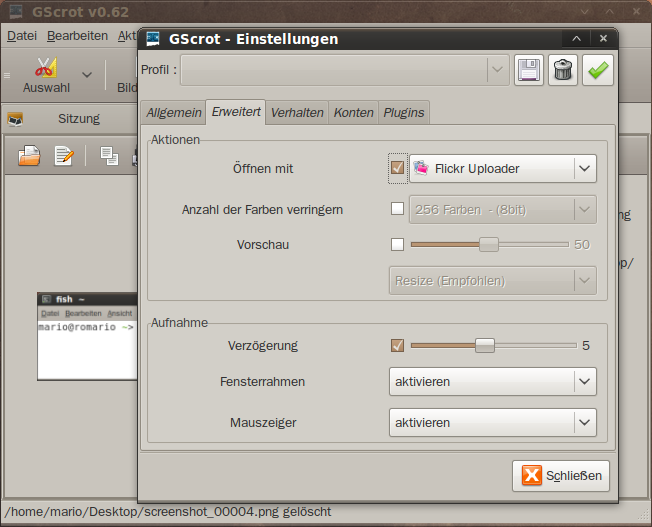
- Configure Gscrot (Edit>>Preferences – Advanced>>Open with)
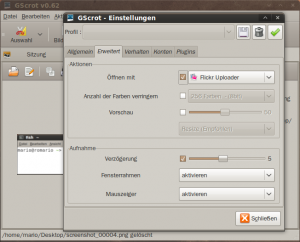
Choose Flickr Uploader from the list. Activate the checkbox if you want to open your screenshot automatically with Postr after every single capture.
- Take screenshot(s) and open them with Postr

Just use the open button to open your screenshot(s) with the configured application (Postr in this case).
- That’s it!
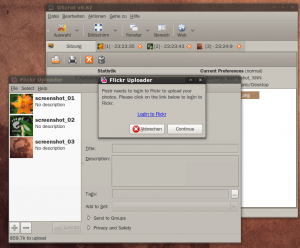
As you can see all three screenshots were exported to Postr. You can now just use Postr...
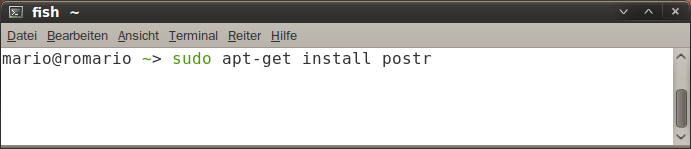
open a terminal and install Postr using the following command: sudo apt-get install postr

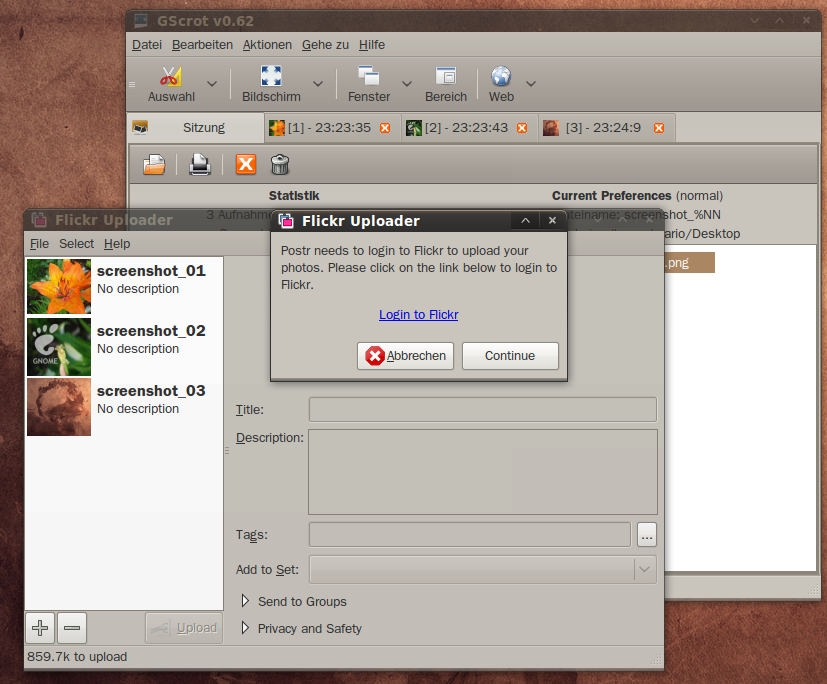
Thanks, Ross! Great Application.
Find us on Launchpad

Screenshots

Follow Us!