Screenshots
Well, Shutter at its best: grabbing screenshots
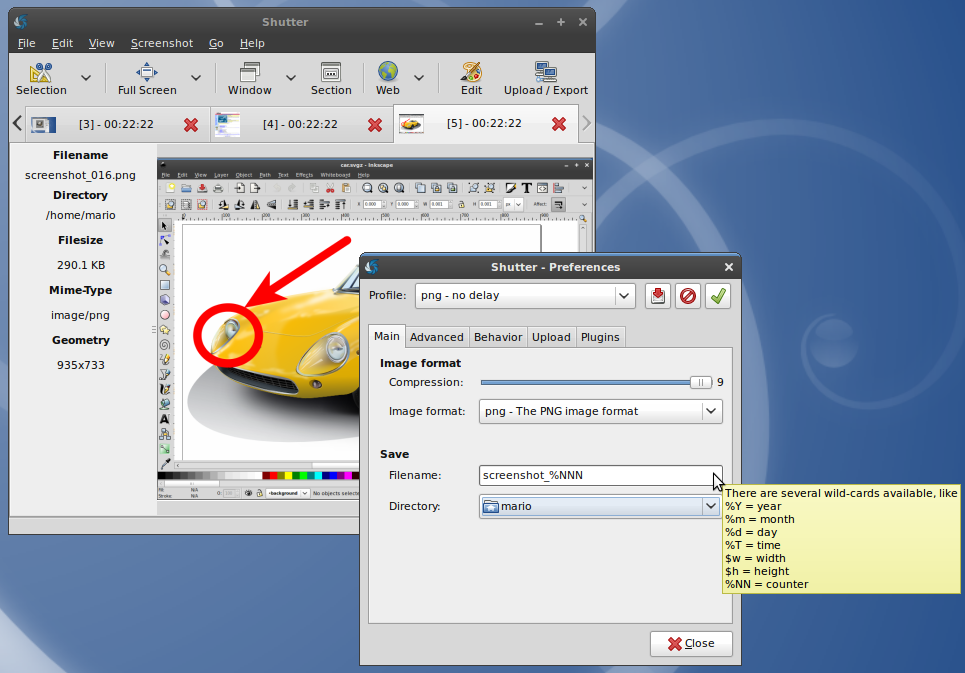
- Define an auto-generated filename using wildcards
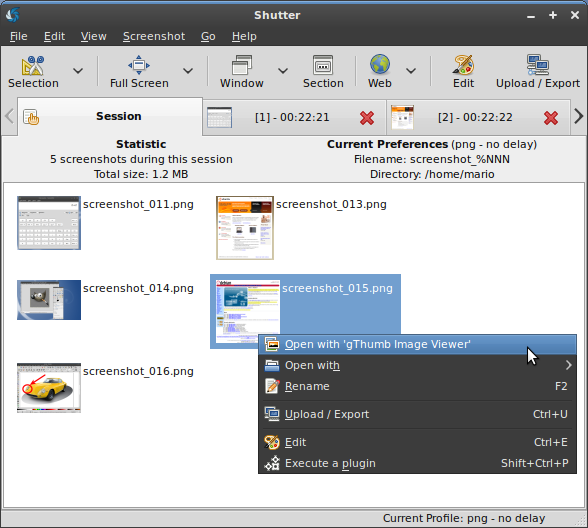
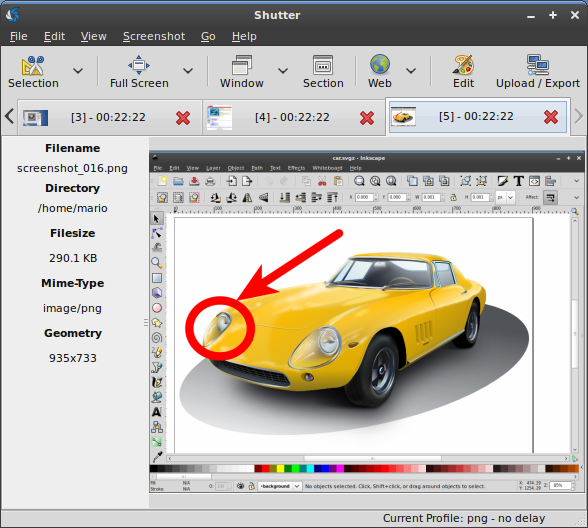
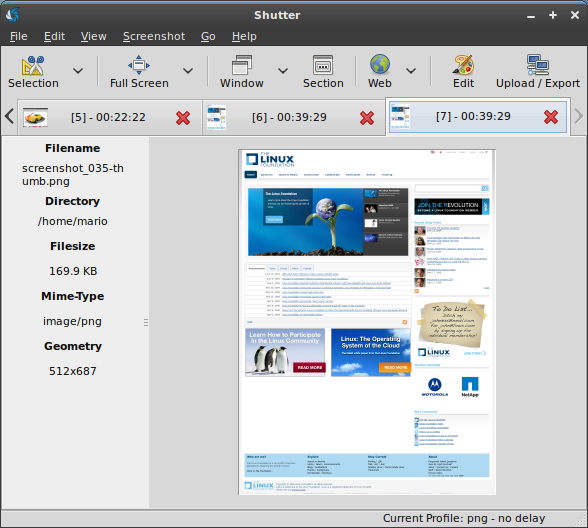
- All screenshots are accessible via a session tab…
- …and via a single tab for each capture
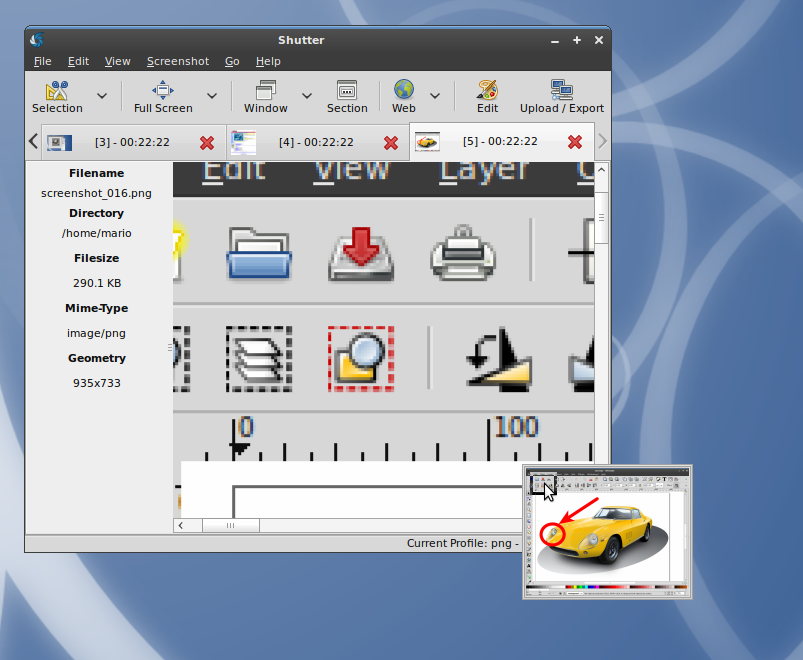
- Each tab provides a small navigator window
- You can zoom in and out to have a detailed look at your capture
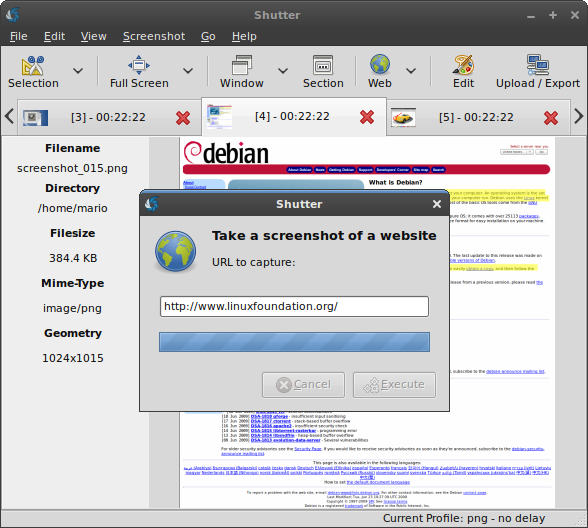
- Capture a webpage by simply entering the desired URL
- The webpage will be captured full size
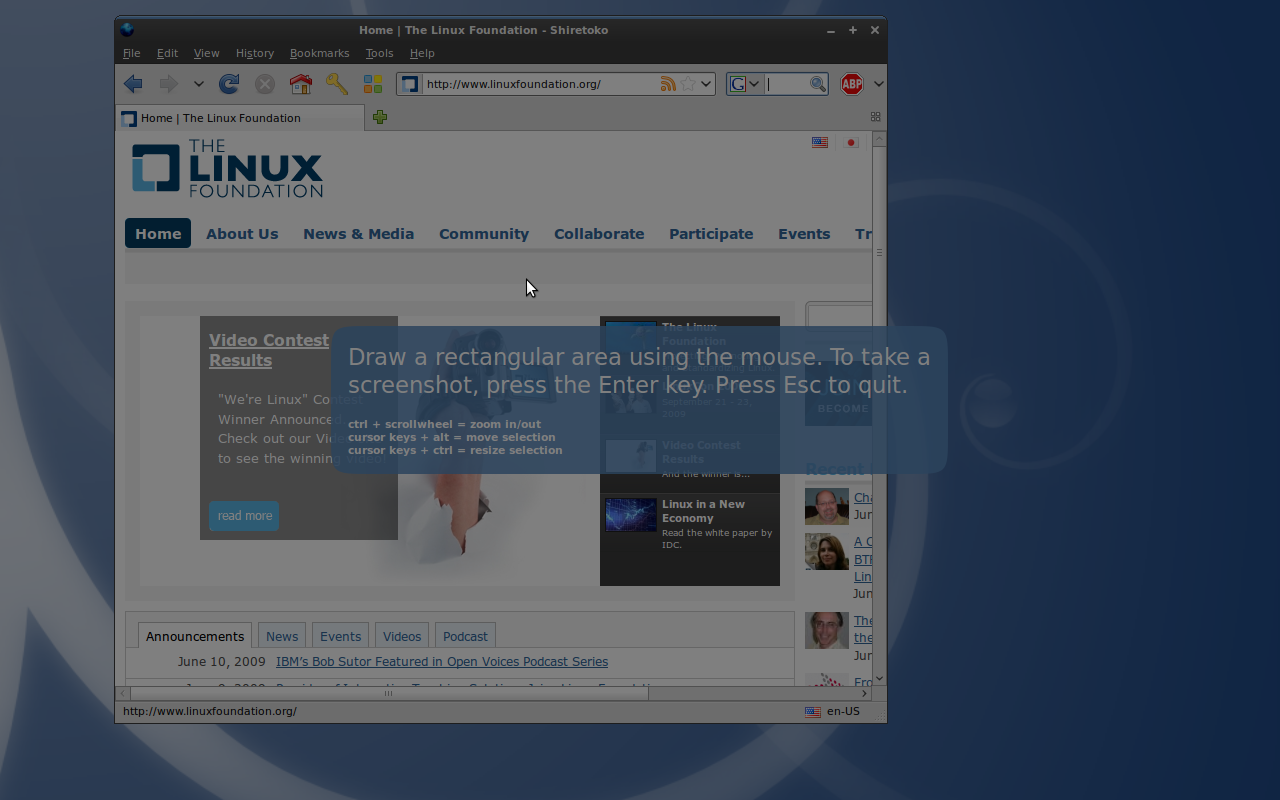
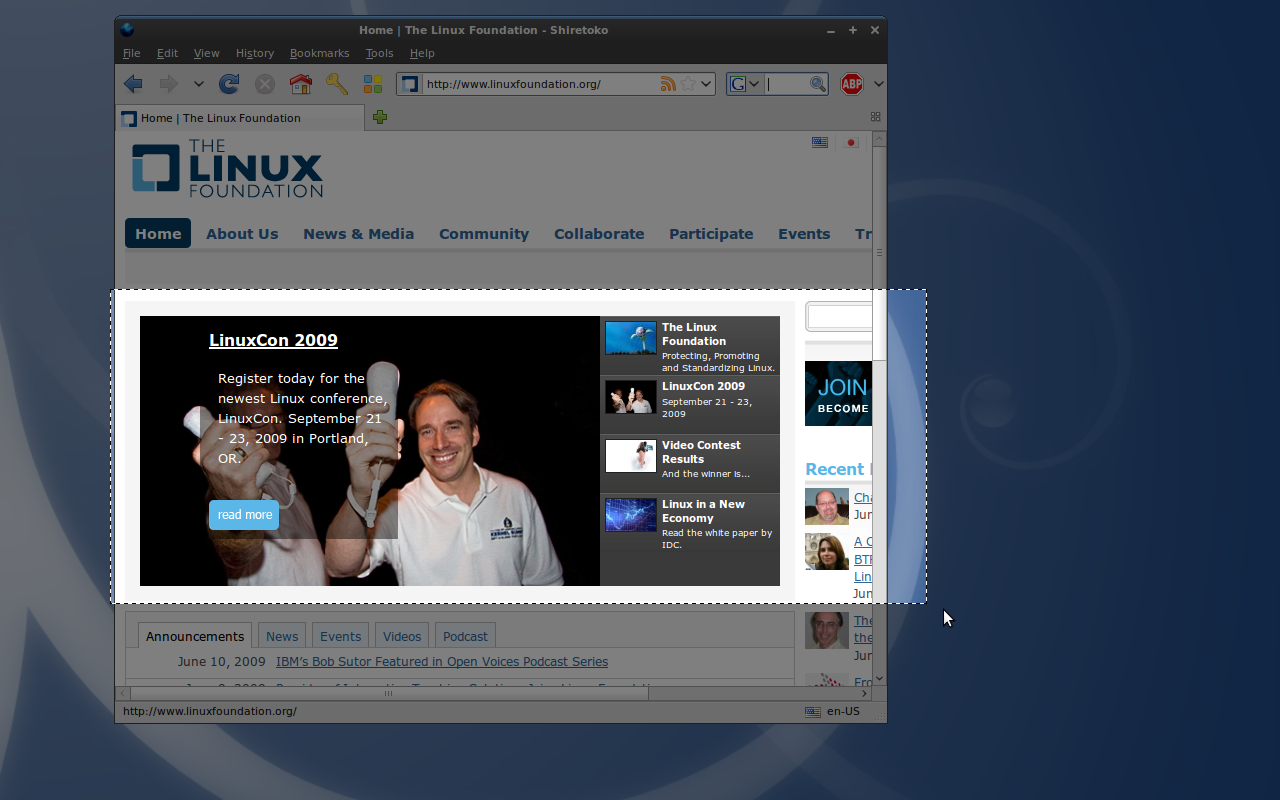
- Shutter offers a zoomable selection tool to capture an arbitrary region of the screen
- You can resize and move the selection until you finally want to capture the selected region
- Showing the zoomable interface of the advanced selection tool
- Shutter allows you to select a window by simply clicking on it
- You can even select subsections of a parent window…
- …to select detailed portions of a window, like buttons and text areas for example
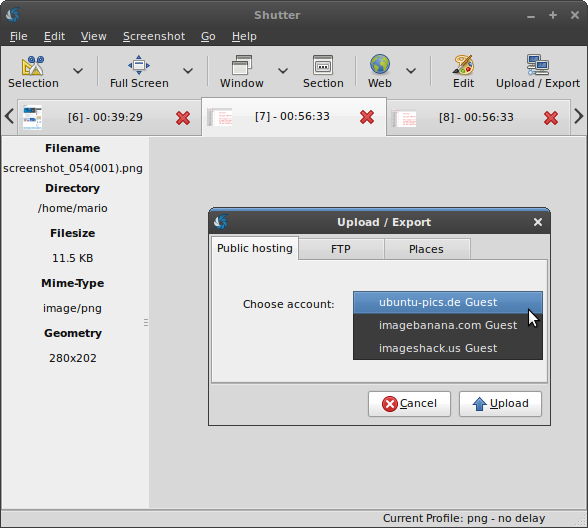
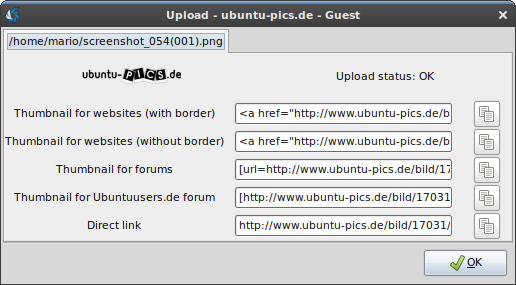
- You can choose among different image hosters or traditional FTP to upload your screenshots
- Shutter provides you automatically with useful links to your uploaded captures
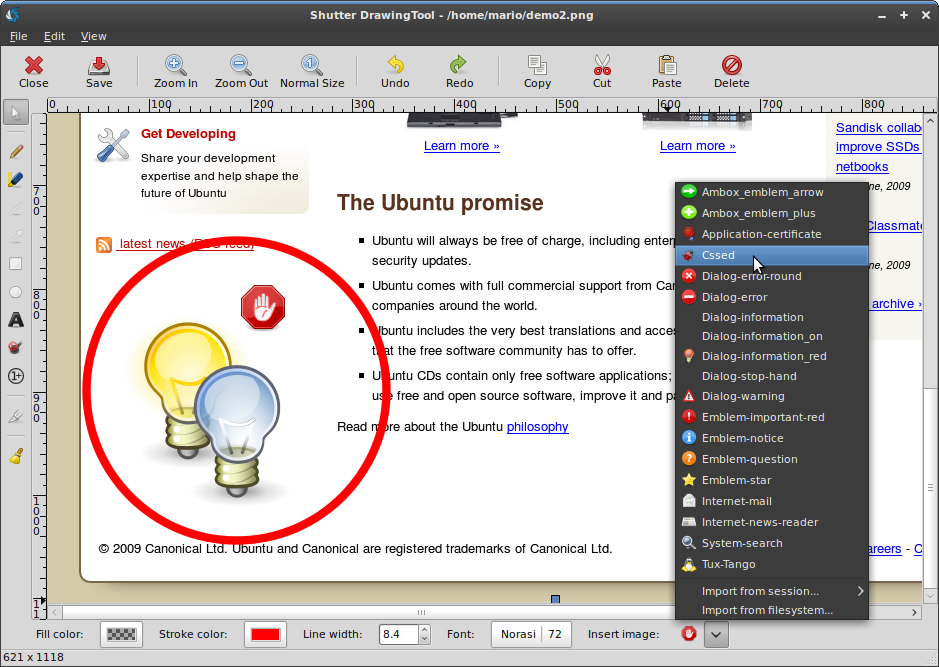
- Shutter comes with an existing collection of nice graphics but you can import custom files as well
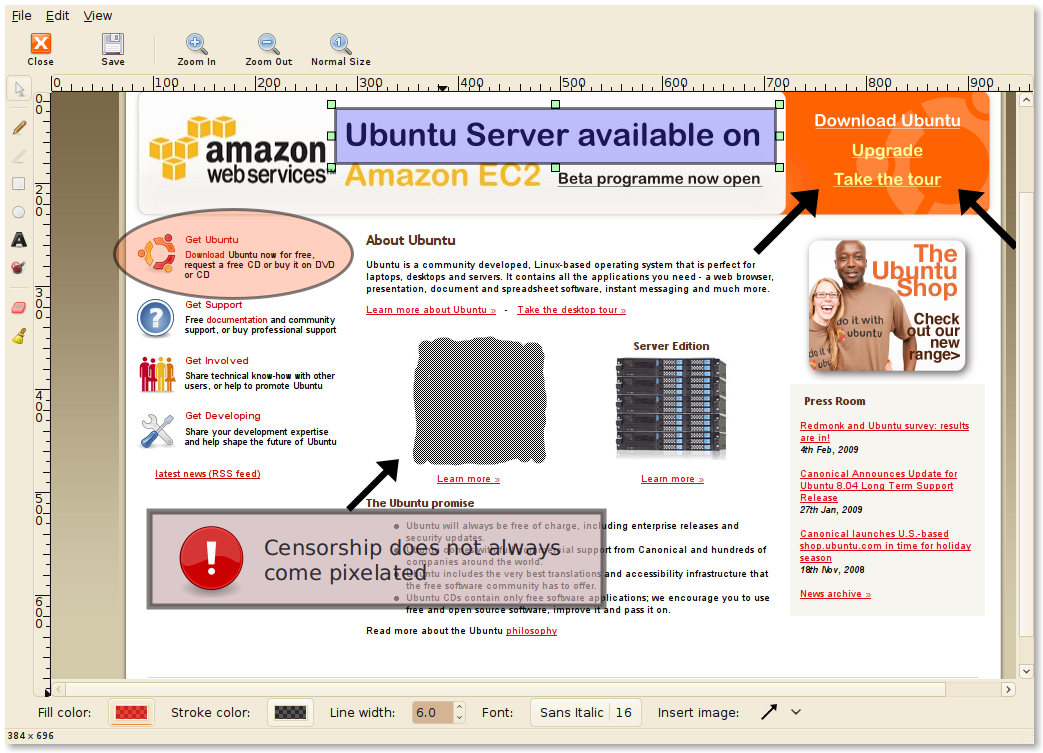
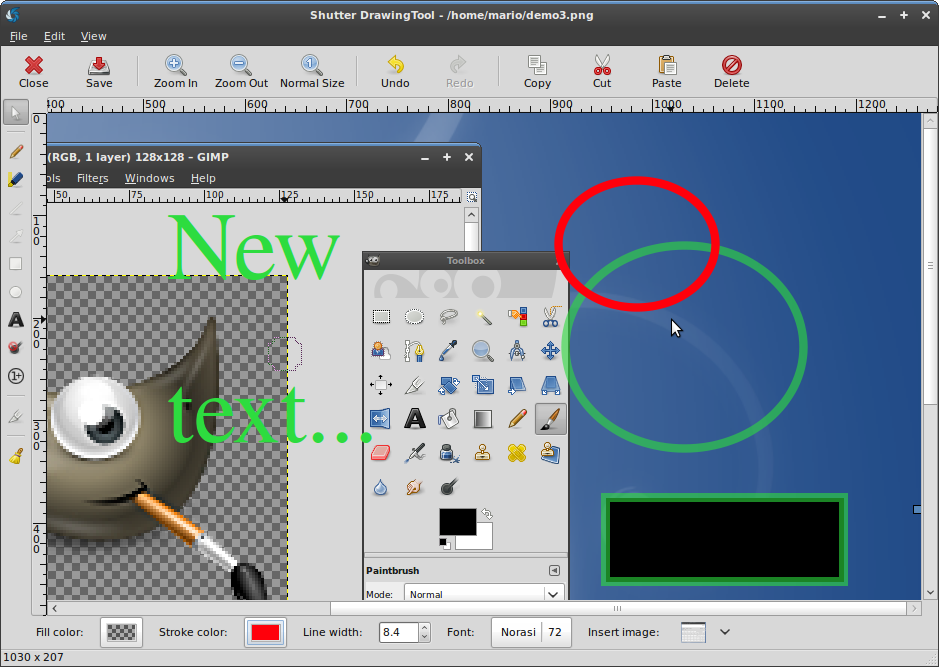
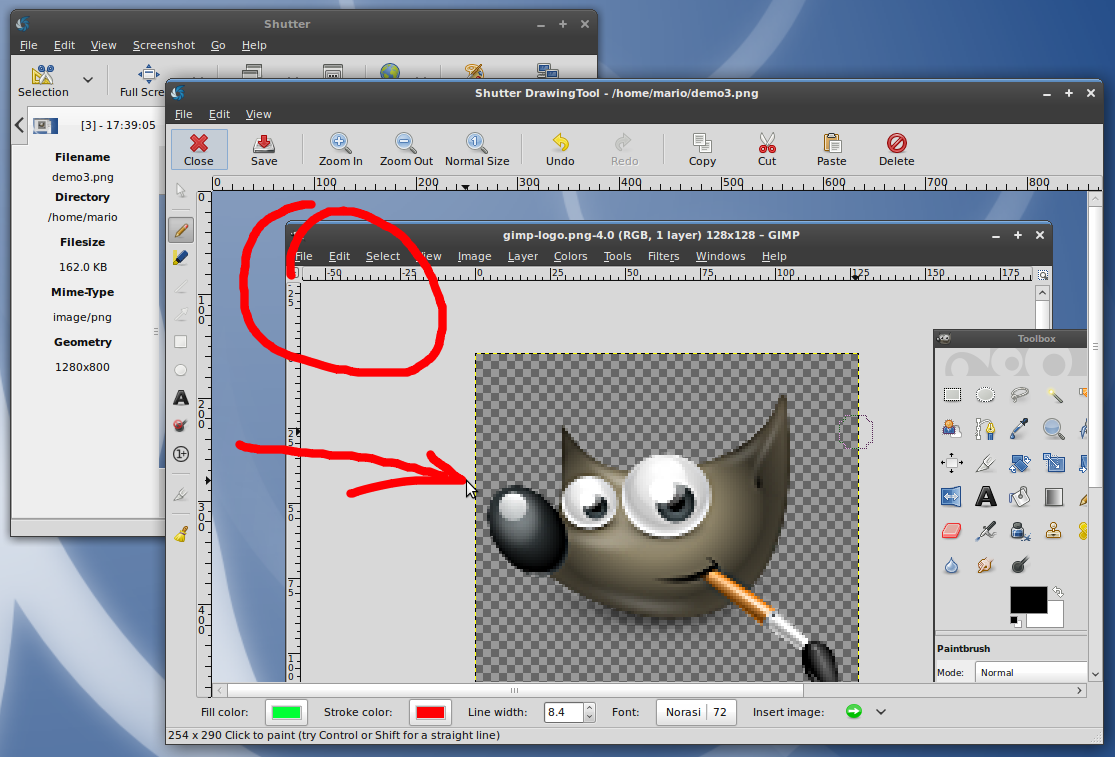
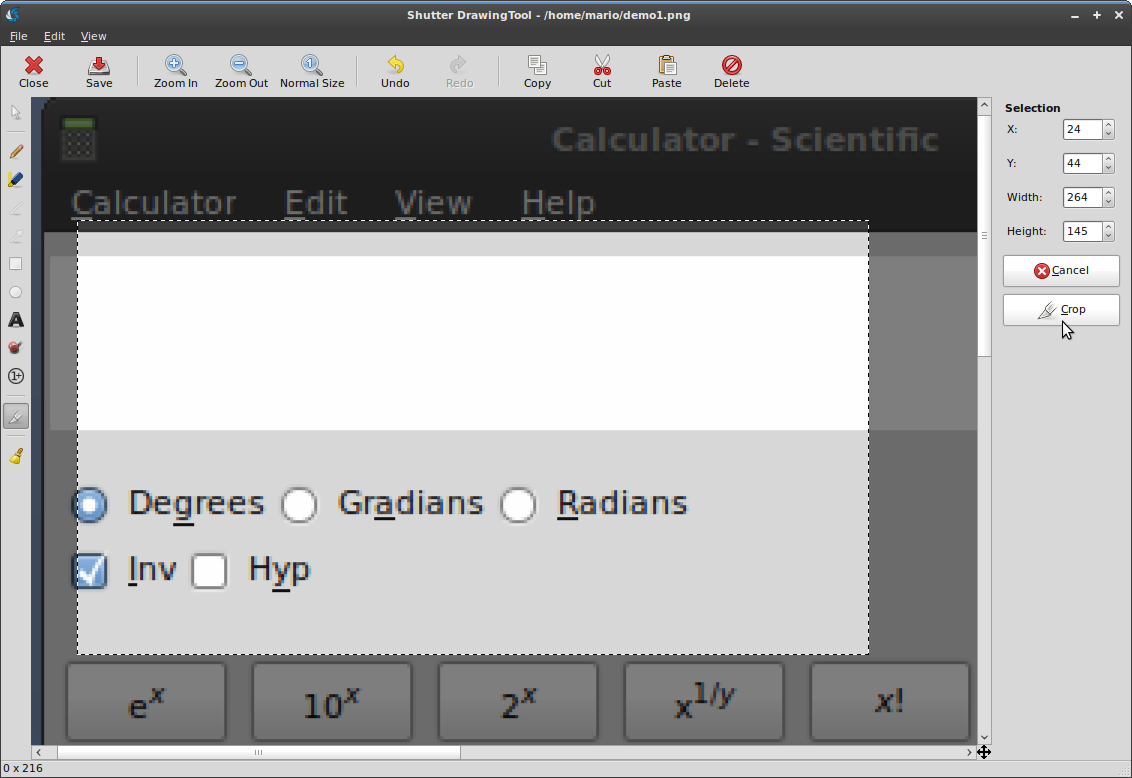
- Showcasing Shutter’s image editing abilities
- You can add primitives, like rectangles, ellipses etc., and text…
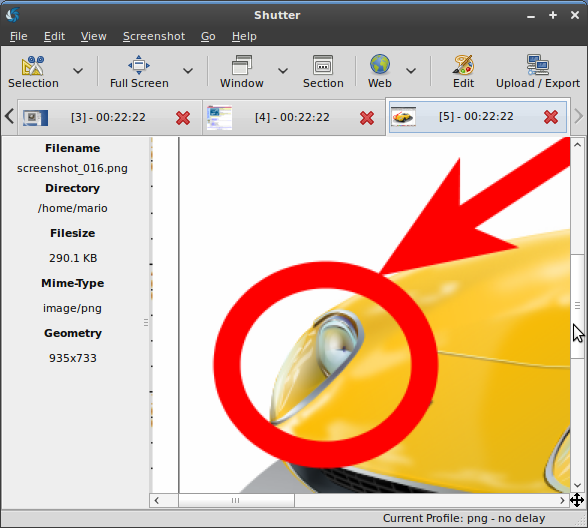
- …or simple highlight some parts of your screenshot using the freehand tool
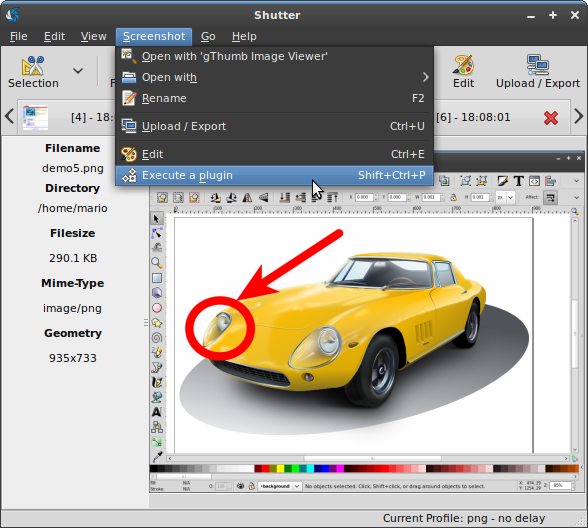
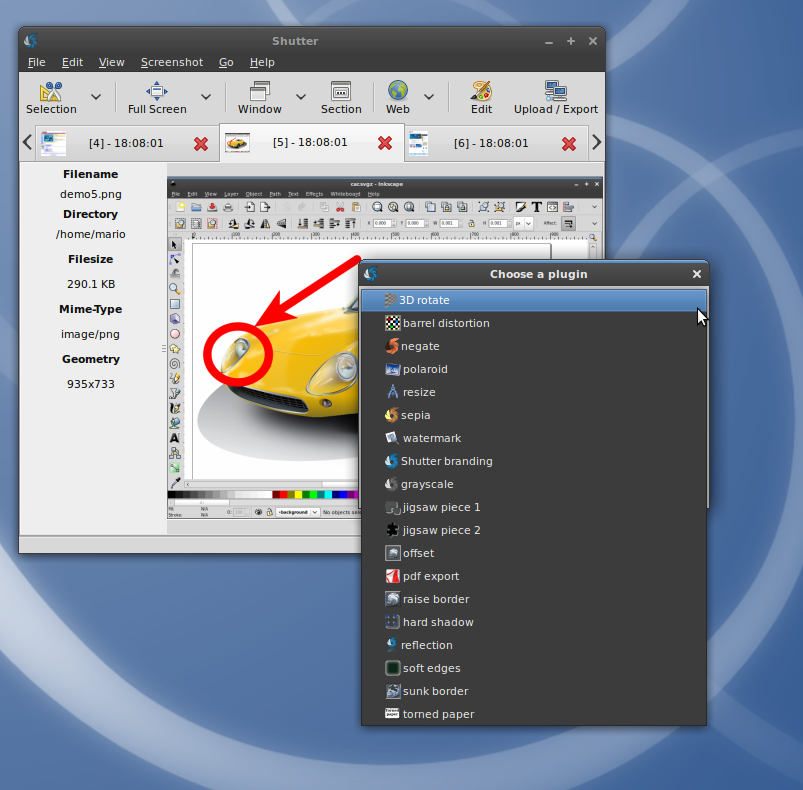
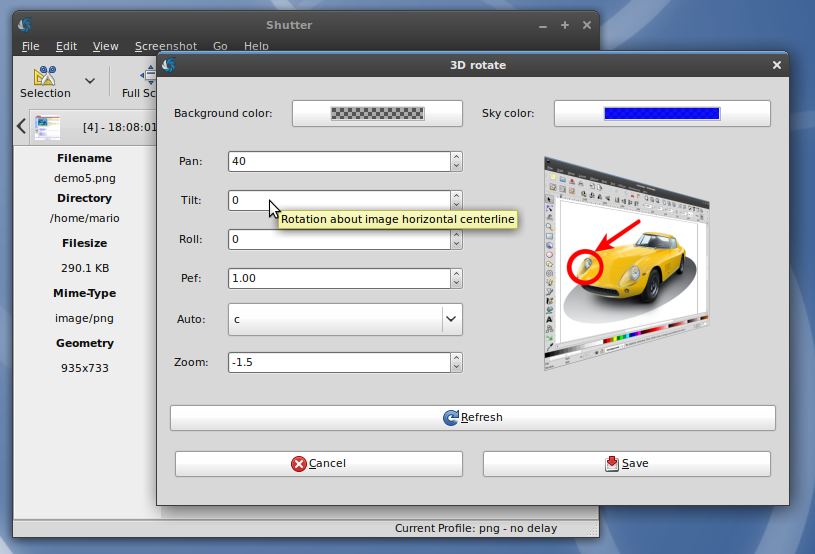
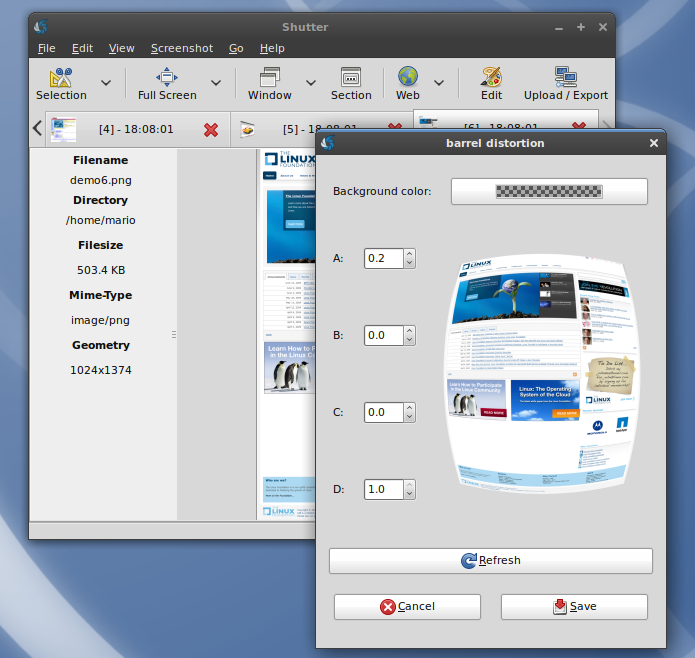
- Shutter offers nice plugins as well
- There are a lot of plugins shipped with Shutter – most of them are adding nice effects to your captures
- One of the most recent plugins is ’3D rotate’
- Here is another example of Shutter’s plugins – apply a nice ‘fish-eye’-effect
There are even more Screenshots available showcasing the different features of Shutter:
15 Comments
Trackbacks/Pingbacks
- Shutter – Aplikasi Screen Capture di Ubuntu | Artikel Teknologi Informasi, Berita Teknologi Informasi, Tips dan trik Komputer, Internet Marketing, Pemrograman, SEO - [...] Untuk melihat screenshot lengkapnya, Anda bisa kunjungi link ini. [...]
- Screen Capture Program in Ubuntu Linux - [...] Quick Links: Shutter website – About Shutter – Download & install instructions – Shutter Screenshots [...]
- Resolving the “shutter” bug « Openbook - [...] Shutter is an excellent screenshot tool for Linux. I have noticed that in the Shutter application under Ubuntu 10.04, ...
- 阿泰的菜园 » Blog Archive » 使用shutter进行屏幕截图和截图编辑 - [...] http://shutter-project.org/screenshots/ [...]
- shutter, mais recursos na sua screenshot | gutocarvalho.net - [...] do projeto: http://shutter-project.org/ Screenshots: http://shutter-project.org/screenshots Licenças: GPL [...]
- Shutter – Screenshot Tool « Explore Ubuntu - [...] Screenshots taken by Shutter can be found here. [...]
- Shutter, a great screenshoting tool for GNOME | Free Software Randomness - [...] or a public image sharing website in just minutes, all of this inside Shutter. You can find all screenshots ...
- New screenshots and screencasts | Shutter - Featureful Screenshot Tool - [...] Screenshots [...]
- New screenshots and screencasts at GScrot - Screenshot Tool - [...] Screenshots [...]
- GScrot: uma excelente ferramenta para screenshots no Linux | Open2Tech - [...] http://shutter-project.org/?page_id=24 [...]


Is it already suports scrolling window of a browser when capturing(if the browser’s window doesn’t fit the screen)?
You can capture webpages by entering the URL, but scrolling windows are not supported in general yet.
amazing applications!
Great! this is that search with me..
This in freeware!
thanks a lot
hey, guys. thx a lot for the tool. helps my job a lot recently. kudos for well-tought func() and UI.
@dreamer
This function was dropped due to major GUI changes. Milestone 0.85 is targeting a lot of usability improvements:
https://launchpad.net/shutter/+milestone/0.85
It would be the right place and time to bring the function back in place if users want this.
Maybe we should start a poll for this?
@dreamer
You can’t yet, but we’ll add it back with a customizable toolbar: https://bugs.launchpad.net/shutter/+bug/362303
how can i put the plugin menu on the toolbar or tab bar.
i remember it had the function in gscort!
Whats with all the “screenshots” of flowers?
@Dup
It is called “Dust”, see https://wiki.ubuntu.com/Artwork/Incoming/DustTheme
It seems great, can you tell me what is the GTK theme